Golden Era // 30 Presets + 30 Styles
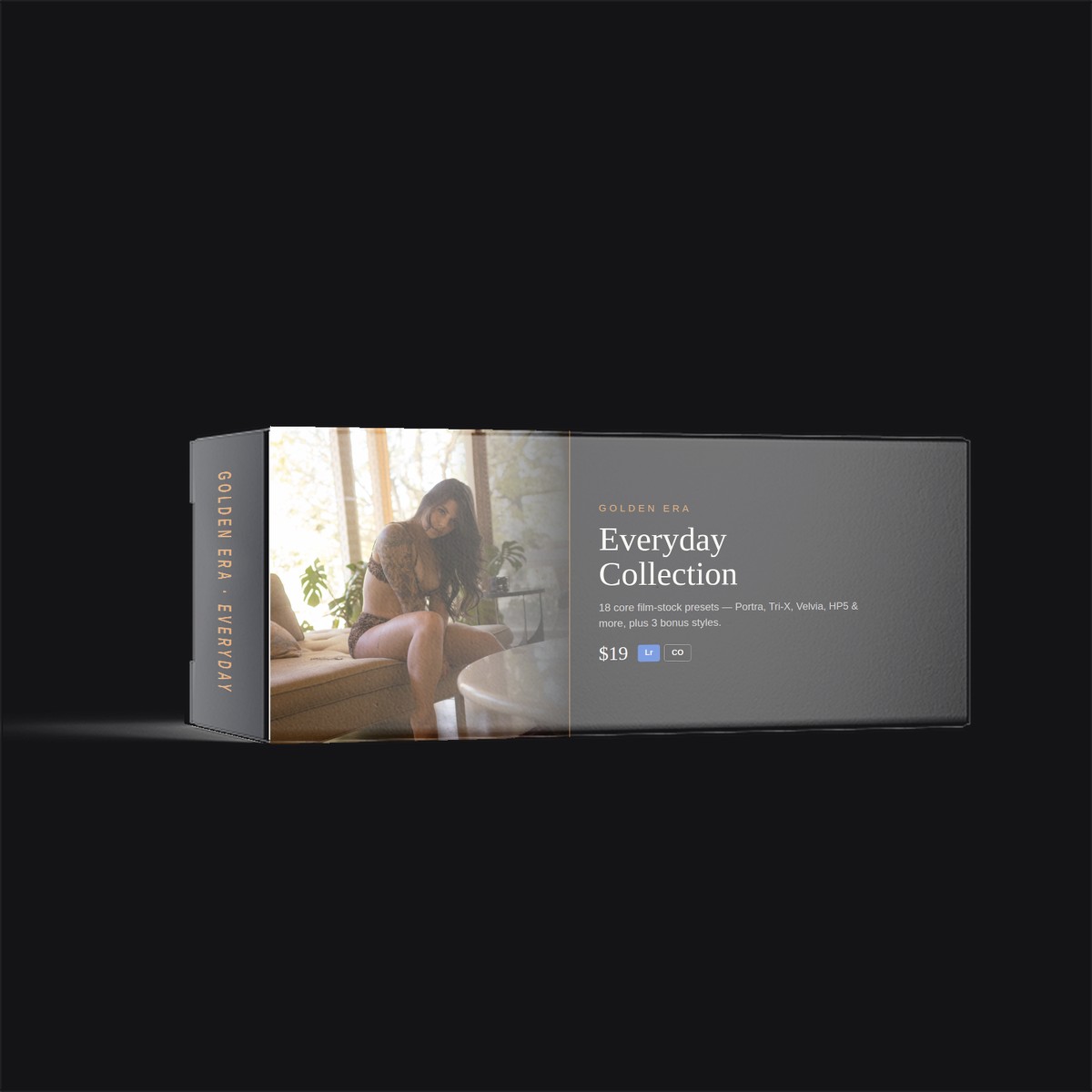
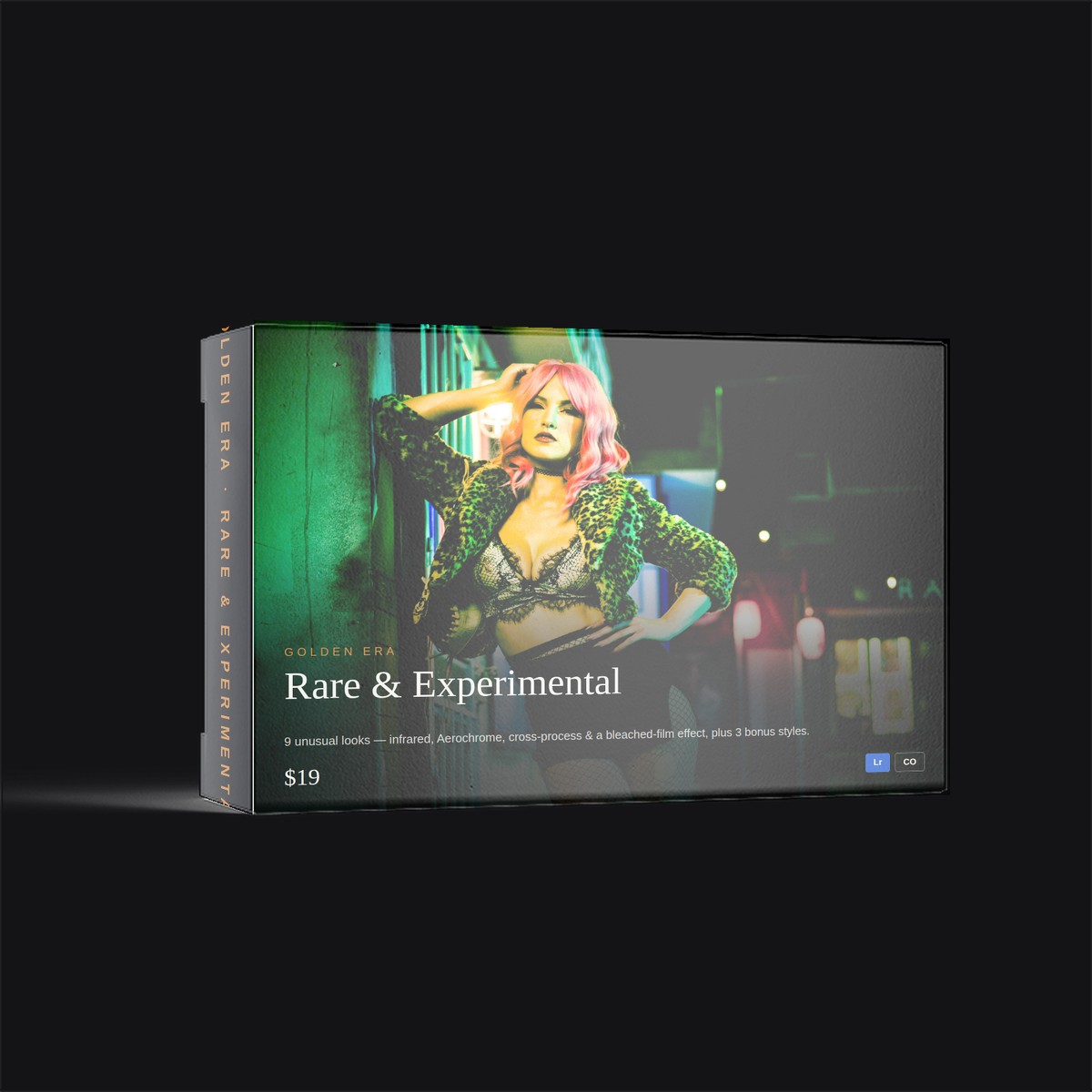
Thirty film stocks, rebuilt as Lightroom presets and Capture One styles. Kodak Portra and Tri-X, Fuji Velvia and Provia, Ilford HP5, Agfa, Konica, and a set of cross-processed looks you won't find anywhere else. Colour negative, slide, and black and white — the way they actually behaved.
Instant download · Works in Lightroom Classic, Lightroom CC, Lightroom Mobile and Capture One · Unlimited commercial use
Most preset packs are somebody's colour grade with a film name attached. These started from the stocks themselves — how Portra rolls off in the highlights and stays kind to skin, how Velvia pushes greens and blues until a landscape looks like a memory of itself, how Tri-X holds its grain structure and its contrast at the same time.
That means they behave like film does. Underexpose Portra 400 and it goes muddy in the shadows, the way it does on a real roll. Shoot Velvia into a flat grey sky and it won't rescue you. You'll adjust exposure and white balance per image — and that's the point, because the result ends up looking like your photograph rather than everybody else's filter.
Every look ships twice: once as a Lightroom .xmp preset, once as a Capture One
.costyle. One purchase covers both, so switching editors doesn't cost you the set.
Thirty looks in total, including a bonus preset, plus PDF install and usage guides for both applications.
Try before you buy
Take the three most useful looks in the set and run them on your own files before you spend anything. Same presets as the paid version — not watermarked, not crippled, not a trial.
Each one included for both Lightroom and Capture One, with an install guide.
Free sample pack
Enter your email and the download starts immediately.
Your download is on its way.
If it didn't start automatically, click here to download it. A copy is in your inbox too — check spam if you don't see it in a minute.
While you're here: Photog Bizkit is the tool that replaces all of this paperwork. Free during beta.
Yes. They're .xmp files, which Lightroom Mobile imports directly — save them to your Files app, then in Lightroom Mobile go to Presets, tap the three dots and choose Import Presets. They work in Lightroom Classic and Lightroom CC on desktop the same way.
Both. They're built and tested on RAW files, where you get the most latitude to push them around, but they apply to JPEGs fine — you'll just have less room to recover highlights and shadows afterwards.
They're the same 30 looks, built natively for each application. You get both in the same purchase, so if you switch editors or work across both, nothing is lost.
Expect to adjust. Real film responds to the light it's shot in, and so do these — you'll usually nudge exposure and white balance per image. Anything that claims to be a one-click finish across every photo is a filter, not a film emulation.
Yes. Buy once, use them on unlimited personal and client photos, commercially. What you can't do is resell, redistribute or repackage the preset files themselves.
30 Lightroom presets, 30 Capture One styles and the install guides, as a single zip download. It's emailed to you right after checkout — no subscription, no account to create, and free updates to the set.
Digital files can't really be returned, so try the free three-preset sample first — it's the same Portra 400, Velvia 50 and Tri-X 400 from the full set, so you'll know exactly what you're buying before you spend anything.
30 Lightroom presets, 30 Capture One styles, install guides, free updates. One payment, unlimited commercial use.
Also free
PDF · 2 pages · Editable
A plain-English photography services agreement you can fill in and send before your next shoot.
PDF · 2 pages · Editable
The one-page permission slip that lets you actually use the photos you just took.
PDF · 2 pages · Editable
The form you want signed before anyone climbs onto a rock, a rooftop, or a warehouse loading dock for a photo.
Excel · 25 tabs · Live dashboard
Log a payment and a cost, and the dashboard updates itself — profit, unpaid invoices, mileage deduction, tax set-aside.
Excel · 350+ items
Three hundred and fifty line items of things photographers can commonly write off, sorted into eleven categories, with columns for business-use percentage and amount.